All blocks on the canvas will be removed and you'll have to rebuild the flowchart from scratch.
Free Flowchart Maker is a free tool for building simple flowcharts. From brainstorming to project planning, visualize your concepts with ease and streamline your ideas. Here's how to get started:
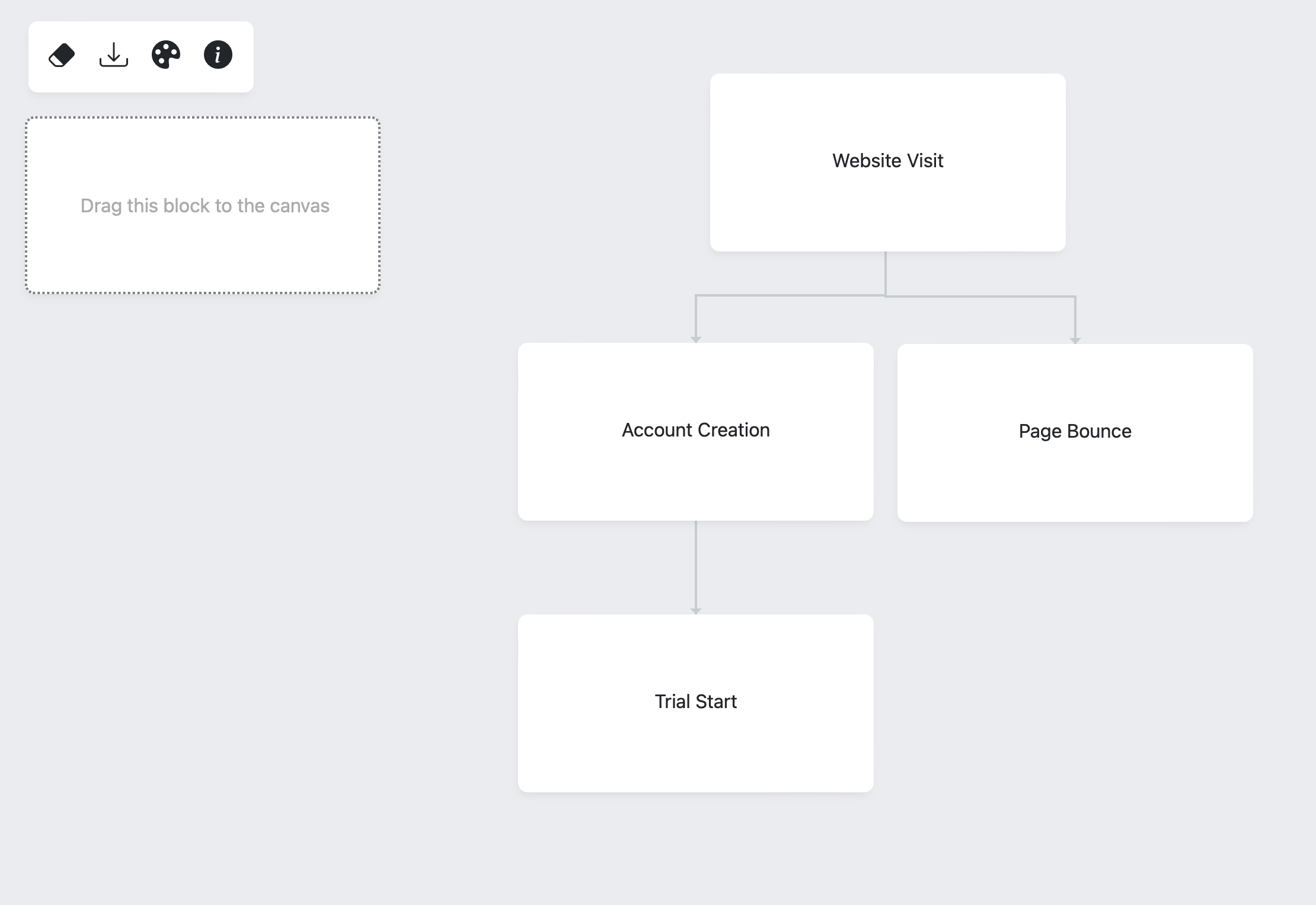
Turn a process into connected blocks that show its steps and decisions. The flowchart maker lets you arrange blocks, edit their text, choose colors, and download the diagram as an image.
Start with the first step, drag additional blocks onto the canvas, and connect them in process order. Keep each label focused on one action or decision. Review the layout before using the download control.
A support workflow might run from “Receive request” to “Check account,” then branch based on whether the issue needs escalation. Use short, specific labels so readers can follow the sequence.
A diagram documents your process; it does not execute it. Export a copy before clearing the canvas or leaving the page. Check small text and branch labels in the downloaded image for readability.
Related tools: SWOT Analysis Generator · RICE Framework Template.