Free Income Statement Generator
Generate an income statement for your company that you can print, export to a spreadsheet, and analyze with AI.
How it works & examples
How to create an income statement
An income statement summarizes revenue, costs, and profit over a period. This generator totals your entries into gross profit, operating income, and net income.
How to use this tool
Enter the business and reporting period, then add revenue, cost of goods sold, operating expenses, nonoperating income, and nonoperating expenses. Gross profit = revenue − COGS; operating income subtracts operating expenses; net income adds nonoperating income and subtracts nonoperating expenses.
Example
$100,000 revenue minus $40,000 COGS gives $60,000 gross profit. Subtracting $30,000 operating expenses and $5,000 other expenses gives $25,000 net income if there is no other income.
Understanding your result
Use consistent accounting periods and avoid entering the same expense twice. Include all relevant expenses in the appropriate categories. The tool calculates entered amounts; it does not reconcile bank accounts or infer missing tax and interest entries.
Further reading: SEC introduction to financial statements.
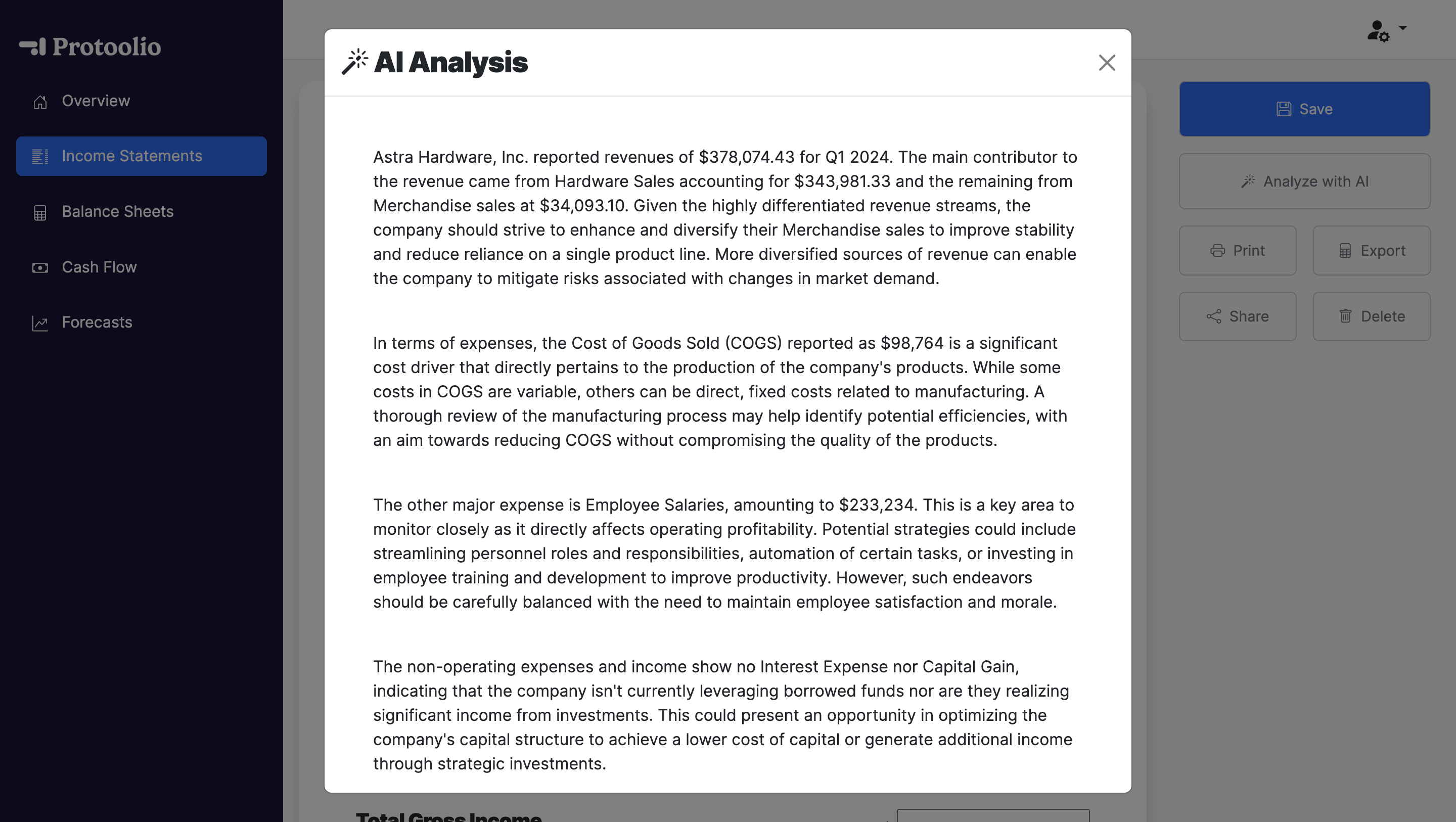
Analyze with AI
Turn your income statement into action with AI
With Protoolio Statements, you can get the analysis and recommendations of a financial analyst with our integrated AI analyst. Plus, you can build and save financial statements in just a few clicks.