
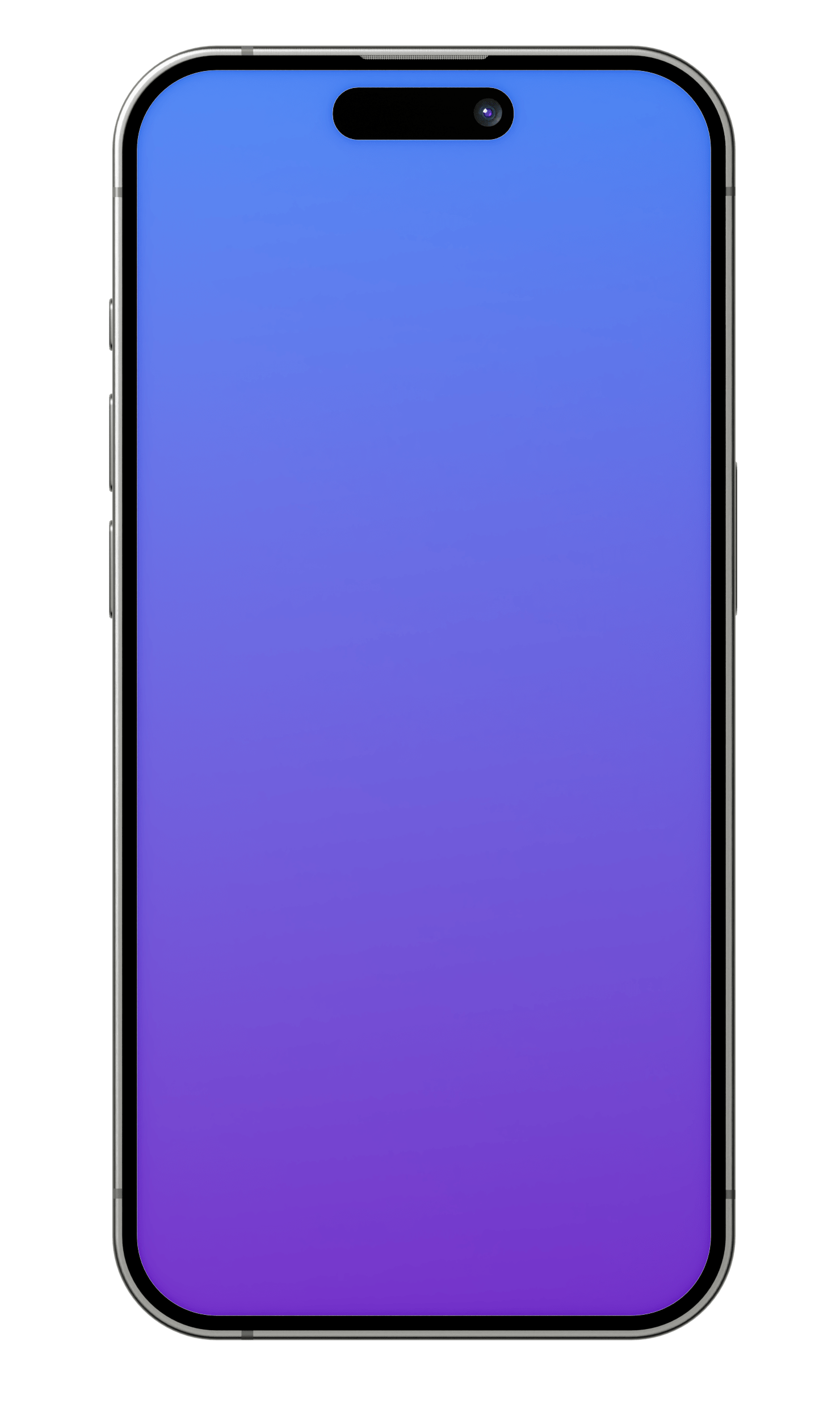
iPhone
Four hi-def black titanium iPhone mockups
Includes 4 PSD files with smart layers
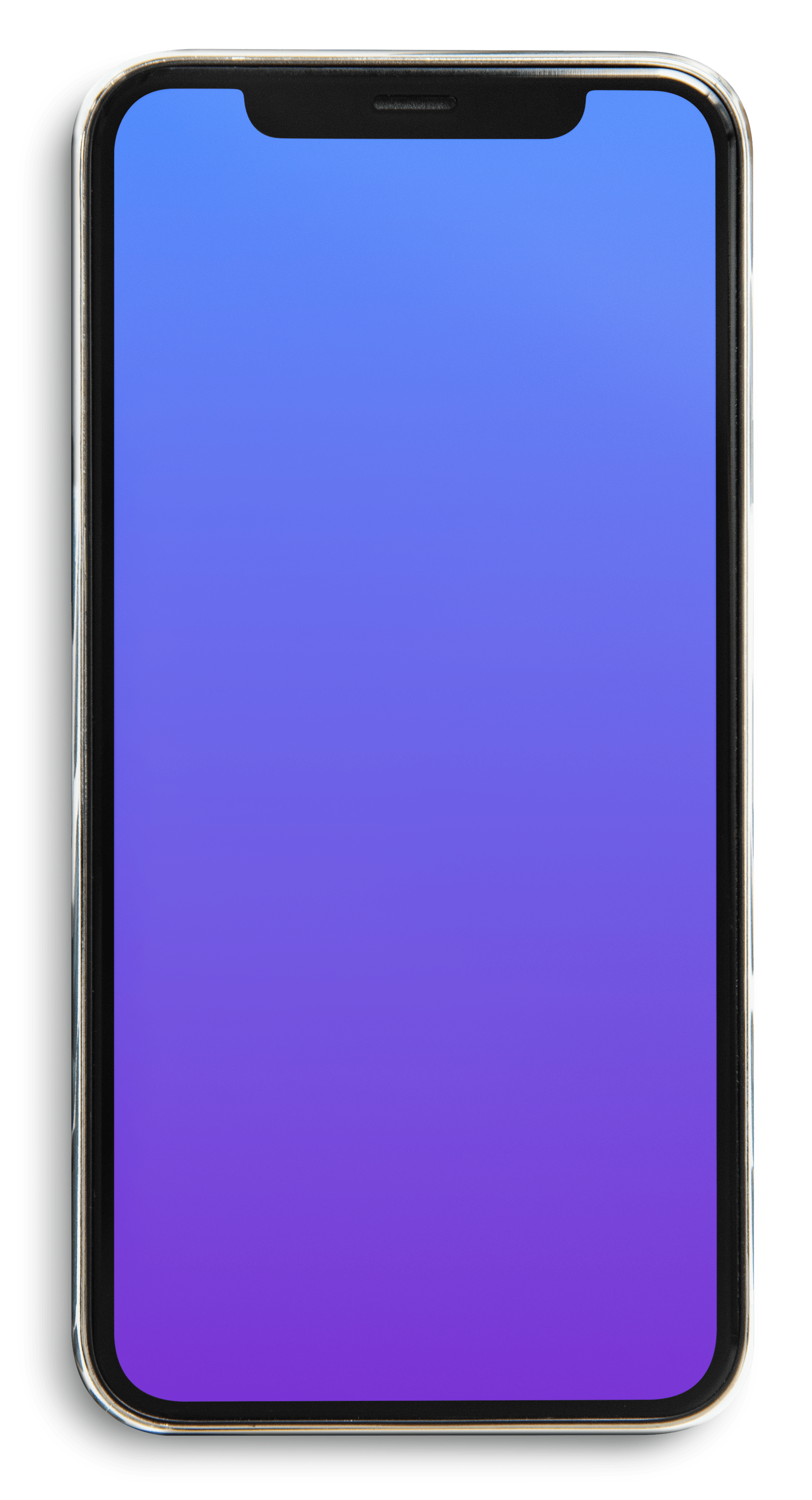
Android
One Android front-facing mockup
Includes 1 PSD file with smart layers
Mac & MacBook
Two MacBook mockups and one Mac
Includes 2 PSD files with smart layers

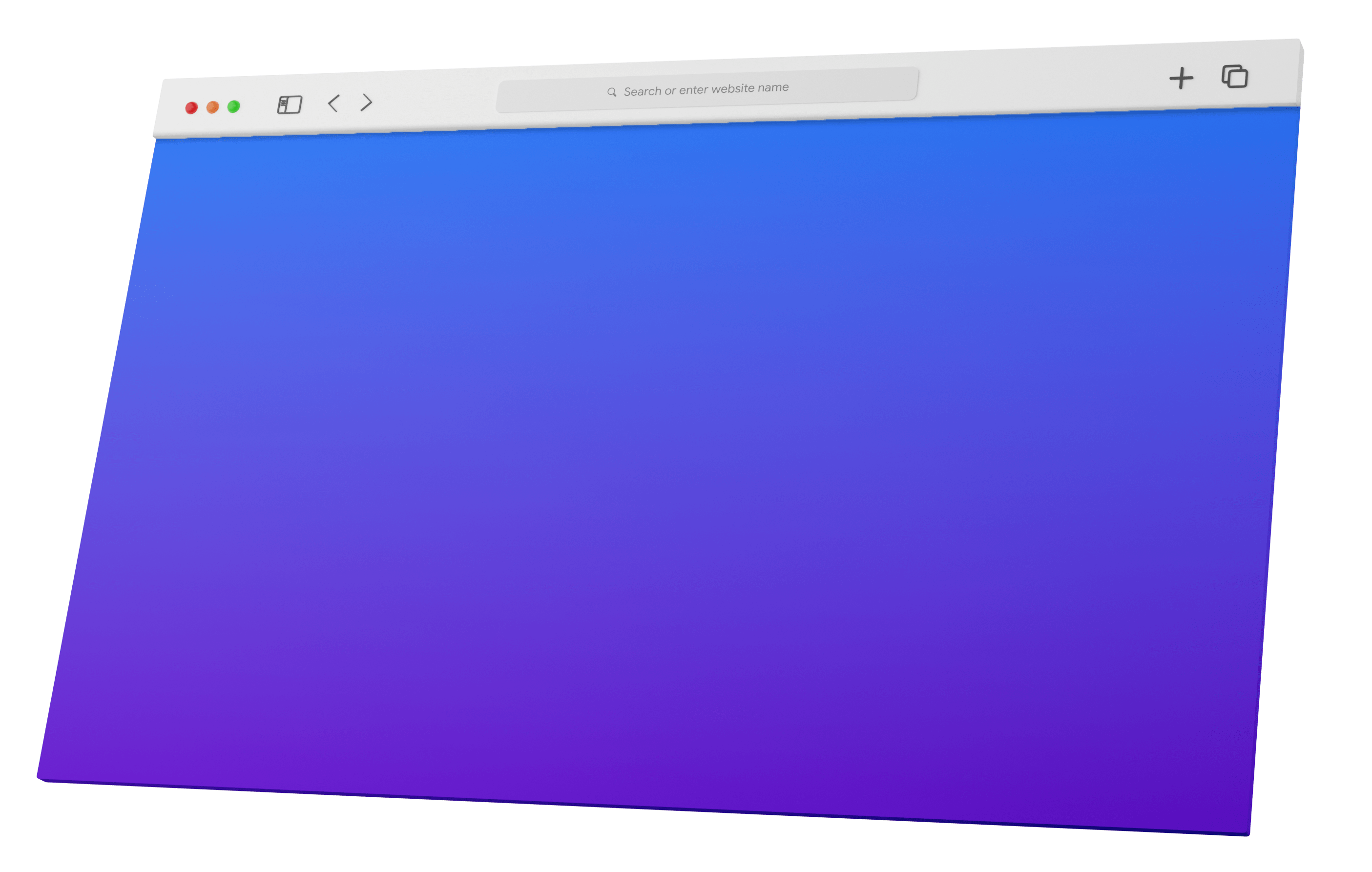
Browser
One 3D browser mockup
Includes 1 PSD file with smart layers
How to use the device mockup pack
Place your interface designs into device frames for presentations, portfolio images, or marketing materials. The pack includes editable PSD mockups for the device categories listed above.
How to use this tool
Download and extract the files after purchase. Open a PSD in an editor that supports its smart layers, replace the placeholder artwork with your design, and export the resulting image.
Example
Use a phone mockup to show a mobile checkout flow or a browser frame to present a desktop landing page in a project case study.
Understanding your result
A mockup is a presentation image, not an interactive prototype. Check your editor’s smart-object support and the included asset dimensions before preparing your artwork. Use the listed pack contents to determine which devices and views are available.
Related tools: Design Brief Generator · Free AI Alt Text Generator.